




Tired of lining up at bank branches like you're joining a never-ending procession? Fed up with traditional savings accounts that demand a ₱2,000 “entry fee” just to stay alive — or worse, let your hard-earned money sleep like it’s trapped in a vault of boredom with near-zero interest?
Imagine stepping out of that maze completely.
What if you could open a fully functional peso savings account in just 10 minutes — no branch, no forms, no pressure — and start earning 3–6% annual interest? Digital banking in the Philippines is like swapping a slow, rusted tricycle for a smooth electric ride: faster, lighter, and built for where money moves today.
In this guide, we’ll walk you through how to choose and open your first digital-bank savings account — the requirements, the setup, how to fund it, and the red flags to avoid so you can start saving smarter, not harder.

Digital Bank vs. Traditional Bank vs. E-Wallet. What’s the Difference?
- Digital Bank — A fully regulated bank that operates purely via mobile app or online. You get a savings (or time deposit) account, interest on your funds, deposit insurance, and are regulated by the central bank.
- Traditional (Brick-and-Mortar) Bank — Physical branches, in-person opening, often higher minimum balances, lower interest on savings.
- E-Wallet / Electronic Money Issuer — Designed for payments/money transfers, not primarily for savings. Good for a cashless lifestyle, but interest is minimal or non-existent.
In short: Digital banks give you the convenience of e-wallets + the benefits of a real savings account (interest + insurance) — often with lower balance requirements and easier setup.

Primary Requirements
- Age: Usually 18+ (some apps may allow 16–17 with guardian consent; check app details)
- Citizenship: Philippine citizen or permanent resident (depending on bank)
- One valid government ID from a digital-bank accepted list
Primary IDs Accepted (2025)
Most digital banks accept at least one of the following valid IDs: driver’s license, passport, UMID, SSS ID, Postal ID, COMELEC/Voter’s ID, ePhilID (PhilSys), or others per bank guidelines.
What If You Only Have a Postal ID?
Some banks accept Postal ID or COMELEC ID; make sure to check the bank’s ID policy before applying. When in doubt, try a different ID (if you have), or contact support.

5-Step Walk-Through: From Download to First Deposit
Here’s a general flow — may vary slightly by app. (You could embed phone screenshots here: example apps Maya Bank, Tonik Bank, UnionDigital Bank.)
- Download the app (Android / iOS).
- Register: enter mobile number, email.
- Verify identity: upload valid ID + selfie (facial recognition).
- Set up account details (name, address), accept terms.
- Fund the account: link e-wallet or bank transfer, or cash-in via partner outlets (depending on bank).
Once approved (usually within minutes), you have a functioning savings account.
Interest Rates After Tax (2025) — What You Can Earn
Here’s a quick comparison of 2025 savings rates (gross p.a.) among top digital banks. Final interest will be slightly lower after 20% withholding tax on interest income.
*These are gross rates; net interest = gross – 20% withholding tax on interest income (per PH rules).
What this means in real terms:
- If you deposit ₱100,000 in a 4.0% savings account, you’ll earn about ₱3,200 per year after tax (≈ ₱267/month).
- For long-term savings (e.g. emergency fund), digital-bank yields can significantly beat inflation + traditional savings rates (which often hover near 0.1–1 %).
Is My Money Safe?
Yes — reputable digital banks are regulated by the Bangko Sentral ng Pilipinas (BSP) and insured by the Philippine Deposit Insurance Corporation (PDIC), typically up to ₱500,000 to ₱1,000,000 per depositor per bank.
Tips to verify safety:
- Check if the bank is licensed by BSP (info usually in app’s “About” / “Regulation” section)
Confirm PDIC coverage — most digital banks disclose this in their terms
Common Application Rejections & How to Avoid Them

Funding & Withdrawal — Move Money In/Out
- Most digital banks offer free bank transfer funding (via InstaPay / bank-to-bank) or link with e-wallet like GCash / other channels.
- Some also allow cash-in through partner outlets (7-Eleven, payment centers, etc.), useful if you deal in cash.
- Withdrawals: you can transfer back to your regular bank, or — if the bank offers a debit or ATM card — withdraw physically (check fees, if any).
Pro tip: Keep one digital bank as your “main savings + emergency fund”, and another as a “spare stash or goals fund” — so money stays accessible but still earns interest.
Best Digital Banks for Different Goals
- Highest yield for short-term savings or emergency fund: Tonik Bank (4.0%) or SeaBank / Maya Bank (3.5%+).
- Stable, no-fuss savings for everyday use: UnionDigital Bank — simple, consistent.
- Integrated with e-wallet / everyday spending: Maya Bank — great if you also use the corresponding e-wallet/app for bills, payments, etc.
- For users already using e-wallet + want easy saving via transfers: CIMB Bank via GSave / UpSave — good convenience, though yield is modest (≈ 2.5–2.6%).

Conclusion
Going digital doesn’t just mean cashless payments, it also means smarter savings. With just one valid ID and a few minutes, you can open a regulated digital bank account that offers no-branch setup, zero maintaining balance, and higher interest than most traditional banks. In 2025, leading digital banks offer 3.5% – 4.0% or higher with promos. If you want to compare your options, Finmerkado has up-to-date guides to help you decide where your money can grow best.
Frequently Asked Questions

Yes — as long as each is under different licensed banks, you can open multiple savings accounts. This can help you diversify (e.g. one for emergencies, one for long-term savings).
Most digital banks have no minimum maintaining balance or low minimum. That’s one of the key conveniences.
It depends on the bank. Many credit interest daily or monthly. Always check account terms; some banks may require a holding period.
Only up to the insured limit per depositor per bank is guaranteed. For large balances, consider distributing across multiple banks.

Maya Philippines, Inc. prioritizes speed and efficiency. The minute-long online application process lets people apply and get approved swiftly. Once accepted, cash are quickly delivered to the customer's bank account, demonstrating the company's commitment to fast service, especially for repeat customers.

At UNO Bank, we prioritize speed and efficiency. Our streamlined online application process is designed to take only minutes, ensuring you can quickly move from application to approval. Once approved, funds are swiftly transferred to your bank account, demonstrating our commitment to fast service, especially for our valued returning customers.
Atome Card
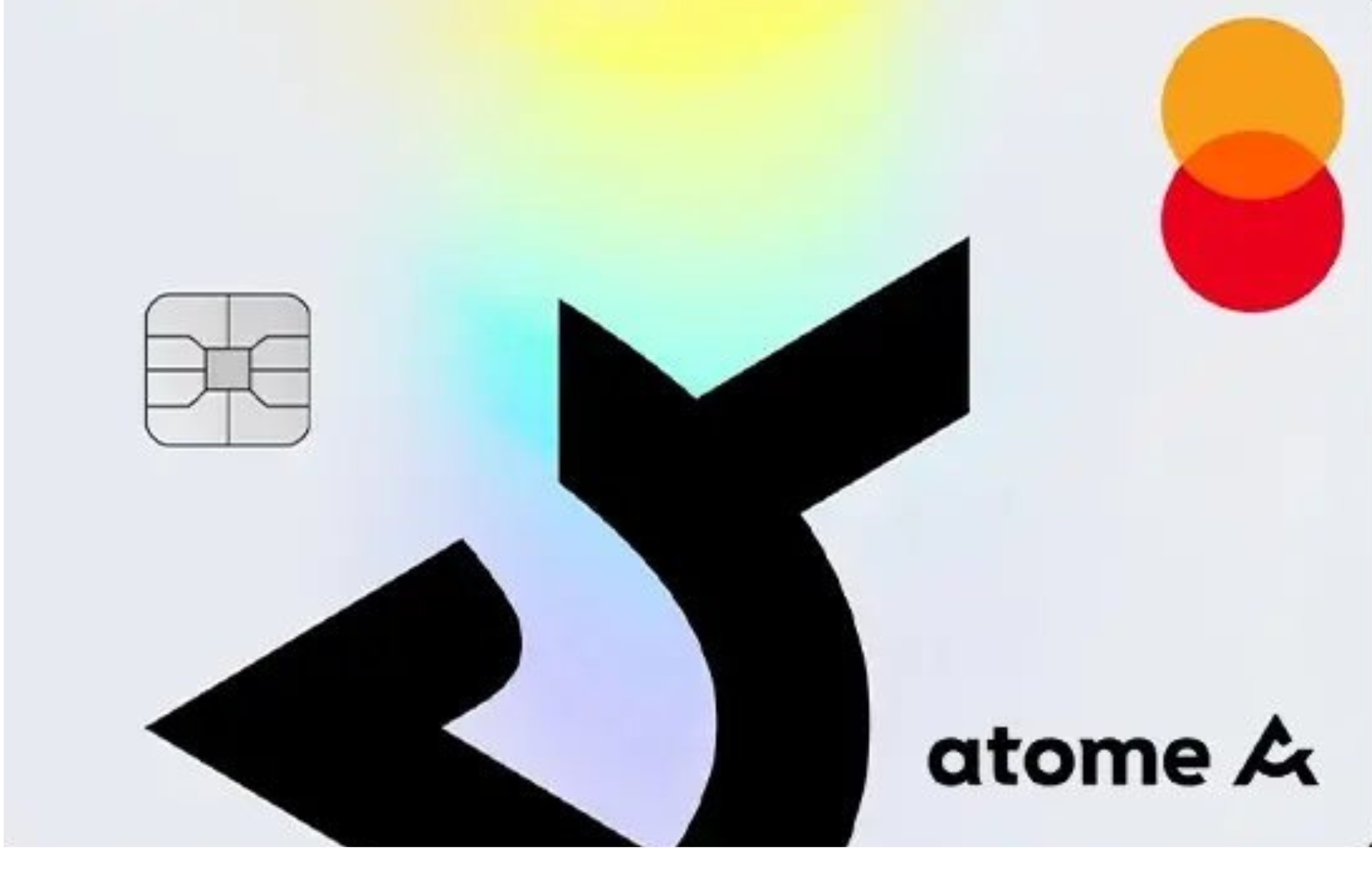
- Buy Now, Pay Later (BNPL) Card
- Up to ₱200,000 spending limit
- Pay later at 0% interest for up to 40 days
- Flexible installment plans up to 6 months
- No annual fees, hidden charges and tedious paperwork
- Fast online application in under 90 seconds
Maya Landers Cashback Credit Card
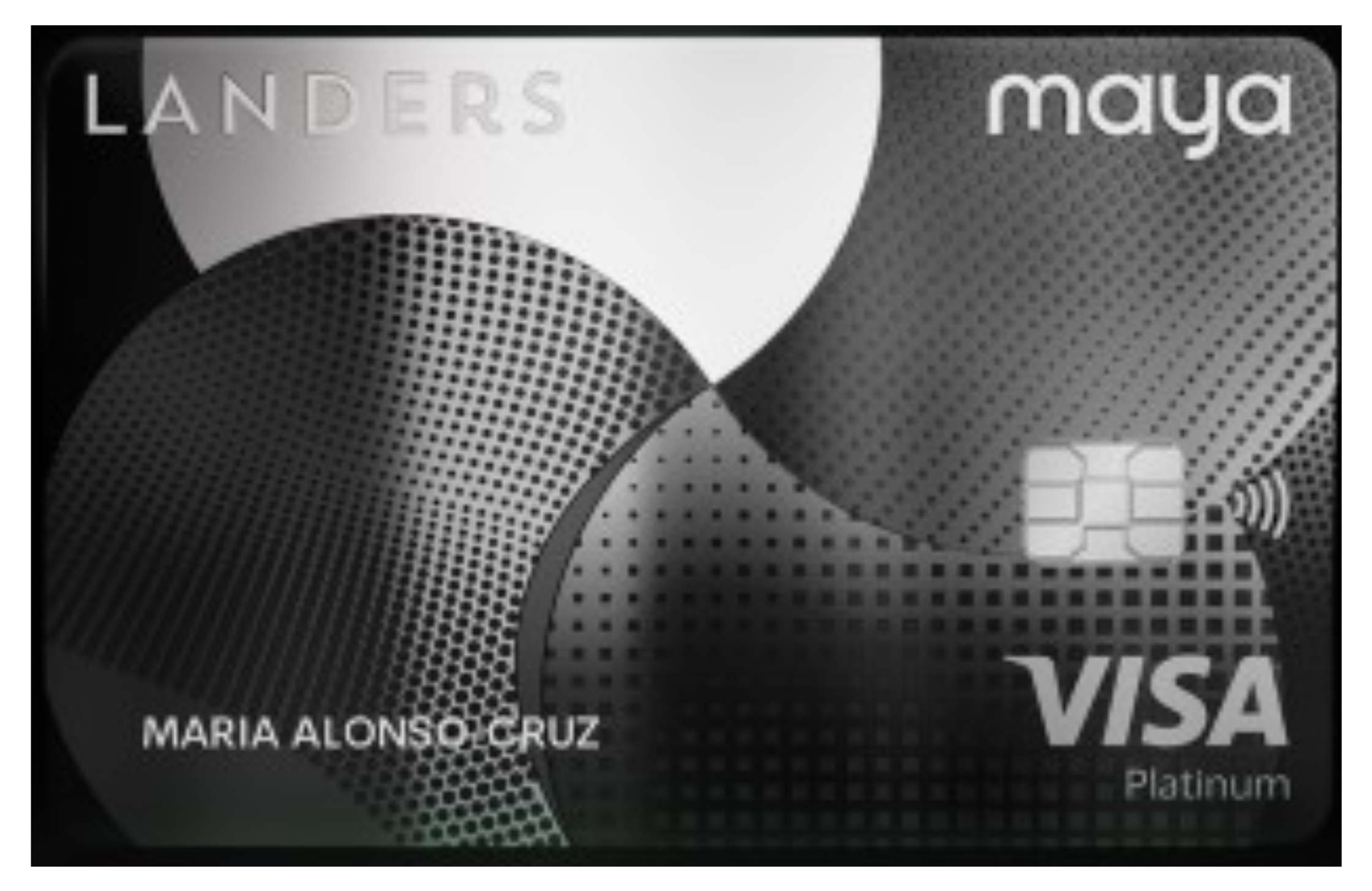
- No annual fee with just one monthly transaction
- Earn up to 5% cashback at Landers on in-store and online purchases
- Get 2% cashback on dining and 1% cashback on other local or international spends.
- Exclusive Landers perks—enjoy discounts, promos, and store access with your membership.
- Complete in-app control—freeze/unfreeze, view transactions, manage limits, and redeem cashback instantly.
Maya Black Credit Card
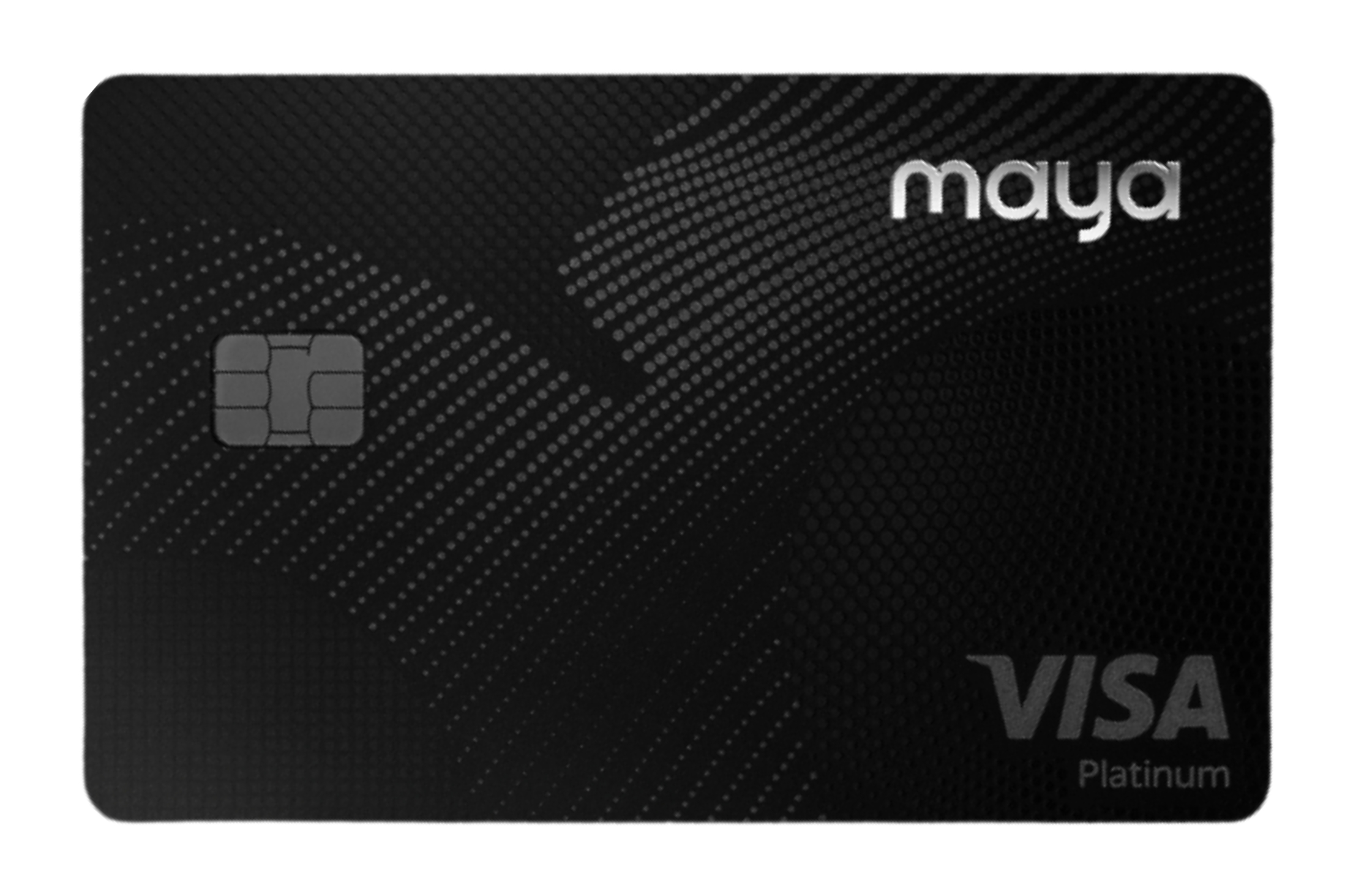
- No annual fee with just one monthly transaction
- Earn Maya Miles on every purchase—redeem for flights, travel perks, or partner rewards.
- Numberless card with dynamic CVV for enhanced security.
- Complete in-app control—freeze/unfreeze, view transactions, and manage limits instantly.
CIMB Personal Loan

Fully digital, unsecured personal loan with fast approval and disbursement. Ideal for emergencies, business needs, or lifestyle goals.
Maya Personal Loan

Want a personal loan that’s 100% mobile and super convenient? The Maya Personal Loan is built for the digital lifestyle, no paperwork, no long lines. With just your Maya app, you can apply, get approved, and manage your loan. Whether it’s for bills, tuition, or a financial cushion, Maya’s fully digital loan service puts speed and flexibility right in your hands.
Tonik Big Loan
Need major funding for a big dream or life upgrade? The Tonik Big Loan gives you access to up to ₱5 million—ideal for home renovation, business capital, or large personal goals. This secured personal loan is backed by property title collateral, allowing you to enjoy lower rates and higher amounts. 100% digital application and fast disbursement make it a smart choice for ambitious borrowers.